Accepting Donations at Checkout
Enable customers who buy tickets online to add a donation to their order.
Go to Settings > Website > Checkout and scroll down to Donations:
Enable donations in checkout: Check this box to enable accepting donations at web ticket checkout.
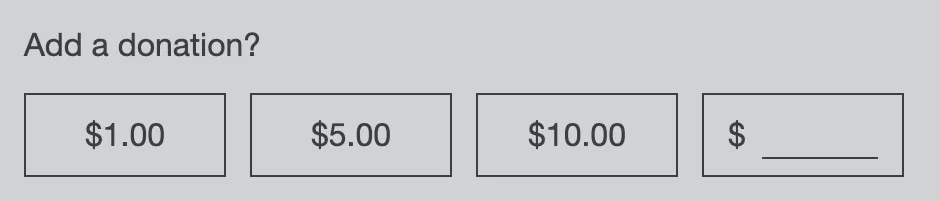
Donation amount: Set the default donation amount(s) that the customer can choose to add to their order. You can specify a single number for a checkbox with a specific donation amount, or multiple amounts separated by commas (ie, 1,5,10) which will then be available for selection at checkout, next to a freeform entry field that allows the customer to specify any amount. Do not use the $ symbol in this field.
Text display on checkout: Enter the text that will display alongside the donation checkbox, i.e. "Yes, I'd like to make a donation to support this festival!"
Reporting: To access the Donations report, which lists all donations submitted over a date range, go to Sales > Reports > Donations and Select Type: Donations