Uploading Images
Image Preparation and Guidelines
The site is designed to primarily use landscape images, which should have a minimum width of 1000px and a minimum height of 600px. Larger images will look better. If images will be used in a slideshow, it's best to ensure that they are all the same aspect ratio and height to ensure all of your image sizes match.
Because the Sponsor pages often have a large number of images, we recommend limiting those images to at most 1MB in size. Sponsor images will be automatically resized to a height of 80px on the Sponsor page.
Note that the system will never enlarge an image, so, you need to make sure the original version that you're uploading is at least the same size as (or larger) than the largest version you'll need to use on the site.
Uploading to the Media Library
- Log into the Dashboard of your Filmbot site.
- Navigate to Media > Add New
- Click the "Select Files" button and choose the image(s) you'd like to upload. You can upload as many as you want at a time.
Obtaining the ID to the Image
All of the images in your site will need to be uploaded to the Media Library first, before the image ID can be entered into your festival's Google Sheet. The image ID is needed for use in the Google Sheets, on both Shows and Sponsors.
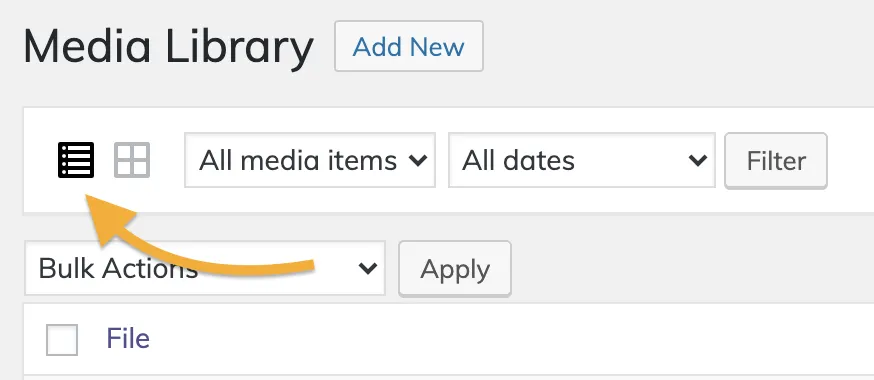
Visit the Media Library, and make sure you are viewing it as a list using the button with the list icon at the top of the library.
The ID of the image will be shown in the Media Library listing, in the far right column:

Copy and paste this number into your Google Sheet.